
Download BitDefender AntiCryptoLocker – ransomware protection, anti-ransomware tool, secure data, malware defense, BitDefender, free antivirus, computer security, file encryption protection, system safeguard, cybersecurity
Overview
BitDefender AntiCryptoLocker is a specialized security tool developed to protect computers from ransomware threats, particularly those resembling the notorious CryptoLocker variant. Designed with simplicity and efficiency in mind, the application functions as a real-time shield that prevents unauthorized file encryption by malicious software. Its primary purpose is to safeguard personal and sensitive data from being locked behind encryption ransoms, eliminating the need for costly recovery processes or system reinstalls. The tool is especially relevant for users who rely on their computers for critical tasks, such as remote work, document management, or financial operations, where data integrity is paramount.
Targeted at individuals and small businesses seeking a lightweight yet effective security layer, BitDefender AntiCryptoLocker offers immediate protection without requiring complex configuration. Although the developer did not provide detailed background on the tool’s development timeline or team structure, its association with Bitdefender—a well-known name in cybersecurity—adds credibility to its functionality. Real-world use cases include protecting home users during online banking, securing freelance work files, and preventing disruptions in small office environments. In the broader app ecosystem, the tool fills a niche gap by offering a focused, no-frills solution for ransomware prevention, standing out in a market saturated with full-featured antivirus suites.
Key Features & Functionality
- Real-Time File Encryption Blocking: The application actively monitors file access and halts any unauthorized attempts to encrypt data, providing immediate protection against ransomware attacks.
- Zero-Installation Setup: Users can launch the tool directly without installation, enabling instant protection and reducing the risk of accidental system modifications.
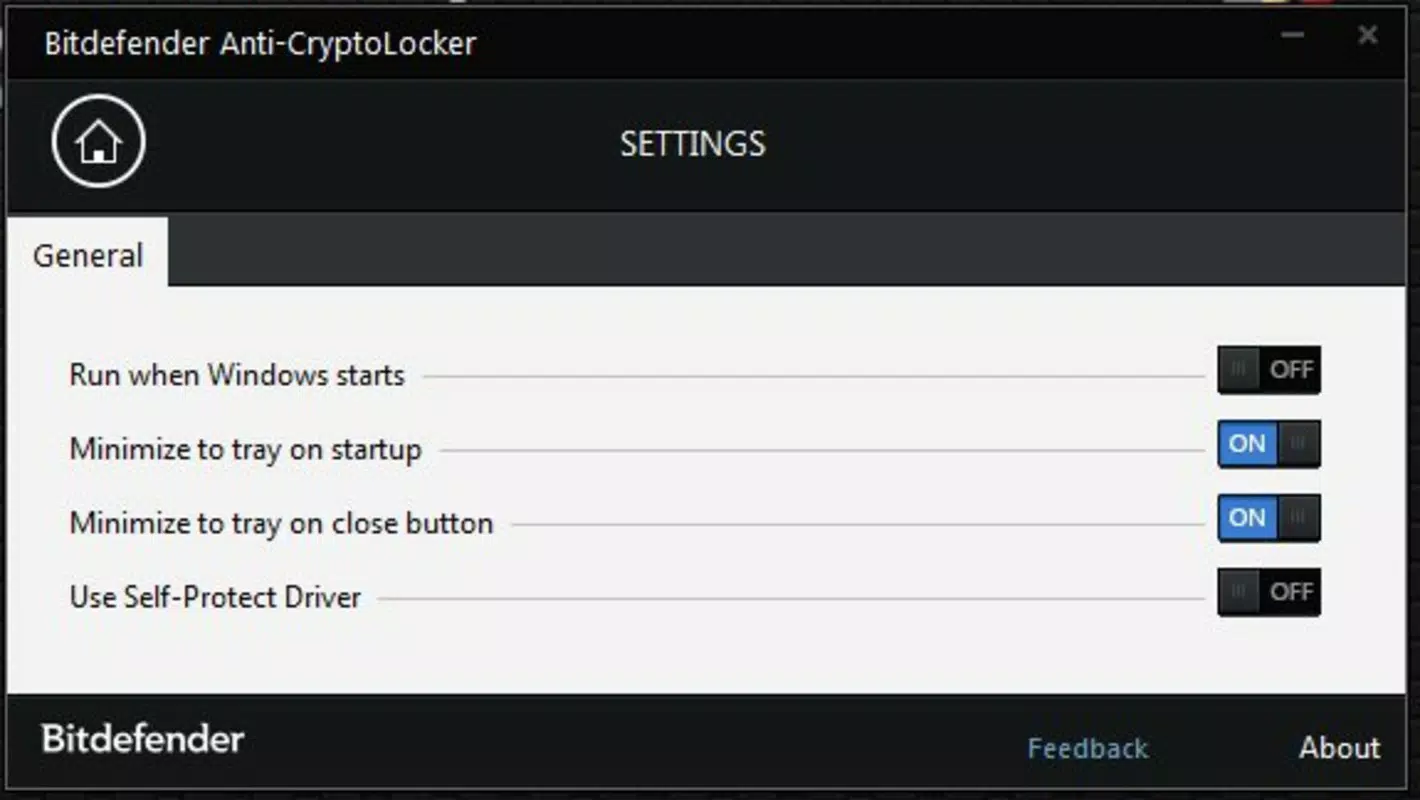
- Automatic Startup Configuration: The software can be set to launch automatically with Windows, ensuring continuous protection without requiring manual activation each time.
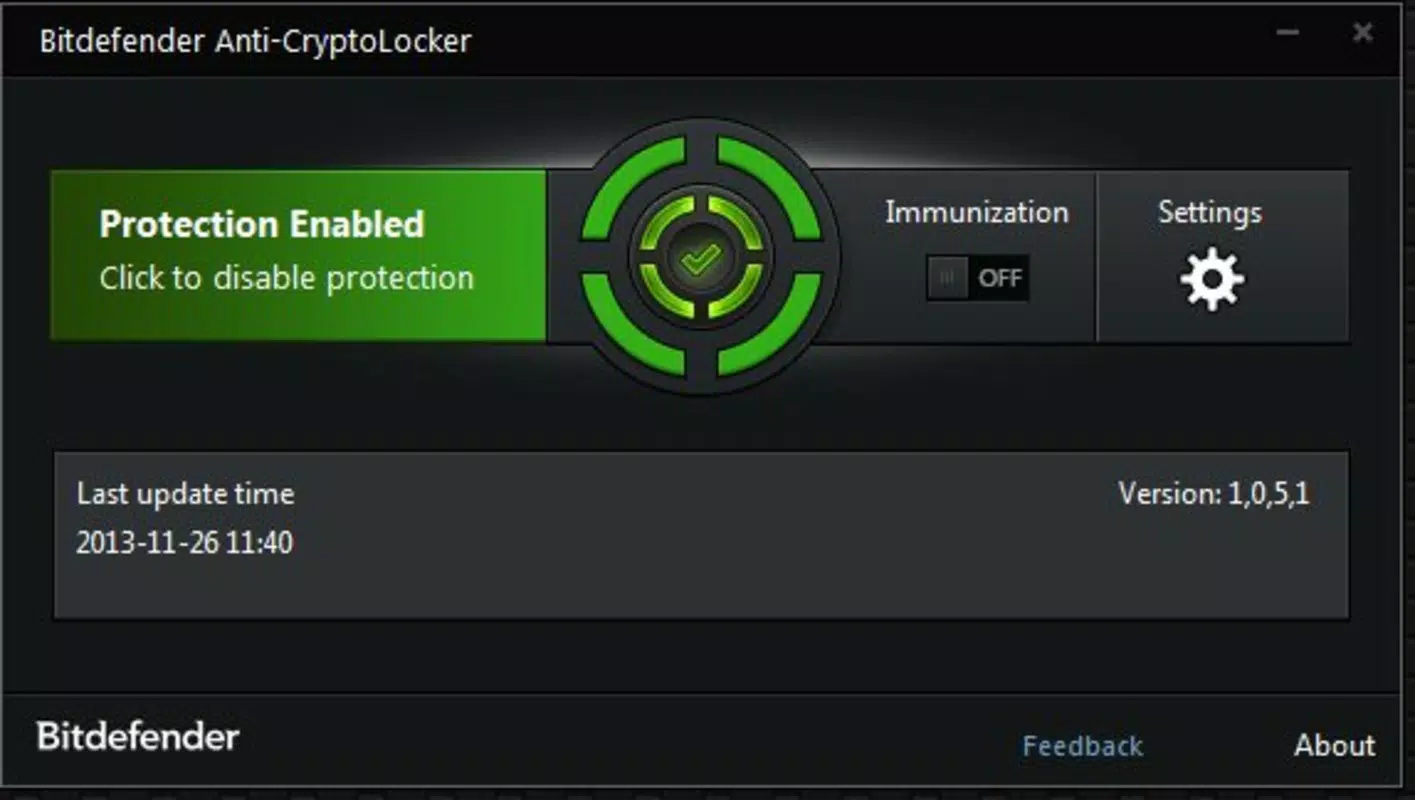
- Minimalist Notification System: A small, non-intrusive window appears in the lower-right corner of the screen when active, informing users of protection status without disrupting workflow.
- Broad Malware Defense Capabilities: While focused on ransomware, the tool also defends against a range of malware types, enhancing overall system security.
- Low System Resource Usage: With a file size of just 2.5 MB, the application operates efficiently, minimizing impact on CPU, memory, and disk usage.
For example, a freelance writer working on a confidential manuscript can use BitDefender AntiCryptoLocker to prevent ransomware from locking their files during a remote session. Similarly, a small business owner can deploy it on shared workstations to protect client data from being encrypted by malicious payloads. The tool’s ability to act silently in the background while delivering robust protection makes it a practical choice for users who prioritize both security and usability.
Interface, UX & Performance
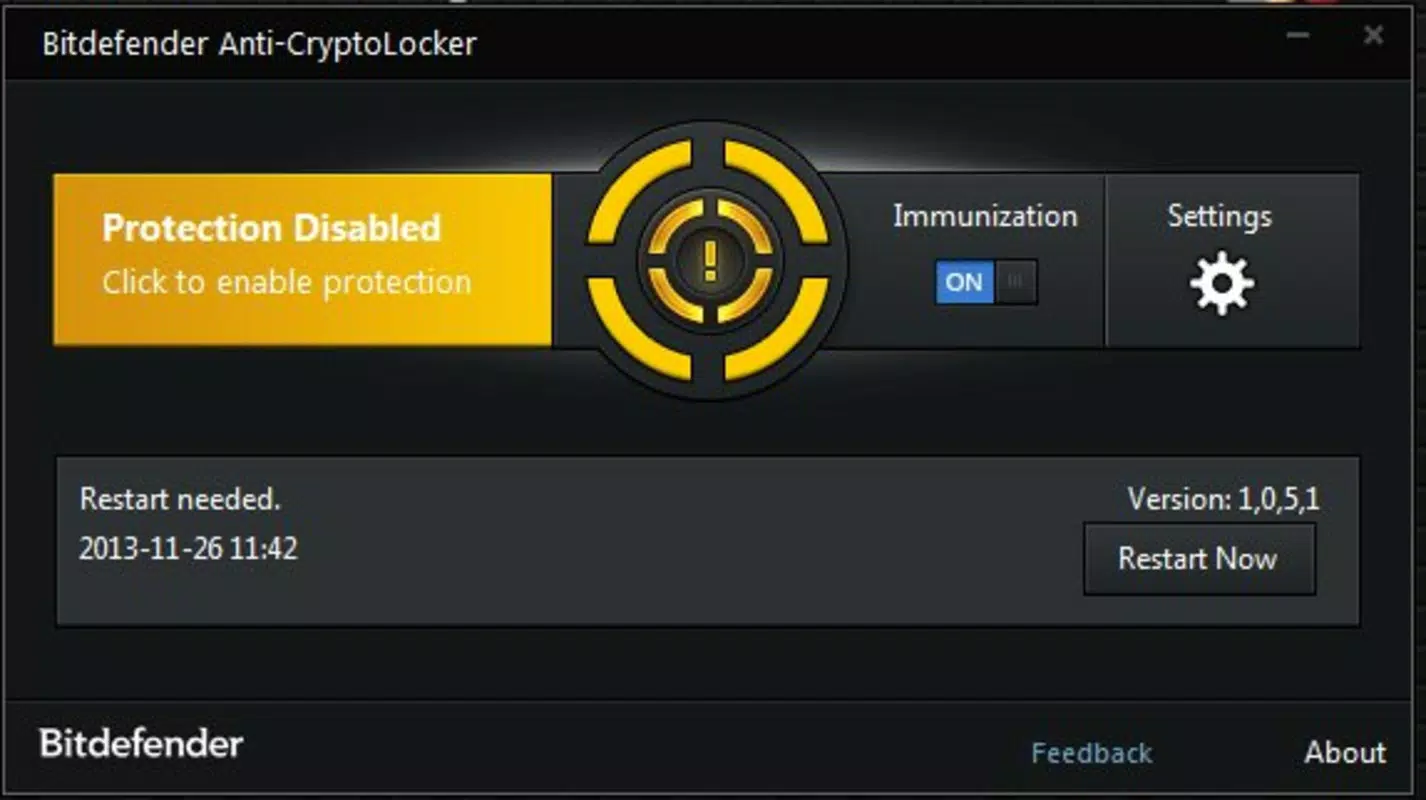
The interface of BitDefender AntiCryptoLocker is intentionally minimal, reflecting its role as a background security utility. It features a simple, clean layout with no complex menus or settings, making it accessible even to non-technical users. The main indicator—a small notification window in the system tray—provides real-time feedback on the protection status, ensuring users remain informed without distraction. Navigation is straightforward: launching the executable activates the protection, and no further interaction is required unless adjustments to startup behavior are needed.
Although the developer did not list formal performance metrics, the tool’s lightweight nature suggests it maintains stability across a wide range of device categories, from older systems to modern machines. Responsiveness is maintained through efficient code execution and low resource consumption, allowing the application to run seamlessly alongside other software. The absence of frequent alerts or pop-ups enhances the user experience by avoiding interruptions during critical tasks. Stability is further supported by its non-invasive design, which avoids deep system modifications. However, specific compatibility details with different Windows versions were not disclosed, so users should exercise caution when deploying on legacy systems.
Platform Compatibility & Technical Requirements
BitDefender AntiCryptoLocker is designed for the Windows operating system, with the current version labeled as 1.0. The application has a file size of 2.5 MB, making it highly portable and easy to distribute. It does not require installation, which enhances its compatibility with various Windows environments, including those with restricted administrative rights. The developer did not specify minimum OS requirements, nor did they list supported Windows versions beyond the general platform.
Given its release date of December 12, 2013, the tool may not be optimized for the latest Windows updates or security protocols. Users on modern systems should verify functionality and potential conflicts with current security frameworks. Compatibility with newer versions of Windows, such as Windows 11, was not confirmed. The absence of detailed technical specifications means users should approach deployment with caution, particularly in enterprise or high-security environments where up-to-date protection is essential.
Pros and Cons
- Free to download and use with no hidden costs
- Immediate protection without installation or setup
- Minimal system impact due to small file size and lightweight design
- Automatic startup option ensures consistent protection
- Non-intrusive interface maintains user focus
- Effective against ransomware threats like CryptoLocker
- Release date is over a decade old, raising concerns about current relevance
- No official support or update history available
- Compatibility with modern Windows versions not confirmed
- Limited visibility into technical architecture or threat detection mechanisms
- Does not offer real-time scanning or deep system analysis
- May conflict with other antivirus software
FAQ
Is BitDefender AntiCryptoLocker safe to download?
The tool is distributed by Bitdefender, a reputable cybersecurity company. However, due to its age and lack of recent updates, users should verify the source and scan the file with a current antivirus before use.
Can I use this tool on Windows 11?
While the application runs on Windows, specific compatibility with Windows 11 was not confirmed by the developer. Users are advised to test functionality in a controlled environment.
Does BitDefender AntiCryptoLocker require installation?
No, the tool is portable and can be launched directly from a USB drive or local folder without installation.
Is the app still updated?
There is no public information indicating that the app receives updates. The last known release was in 2013.
Can I run this alongside other antivirus software?
It is generally not recommended to run multiple antivirus tools simultaneously, as they may conflict and degrade system performance.
Final Thoughts + CTA
BitDefender AntiCryptoLocker remains a notable entry in the history of ransomware defense tools, offering a simple, no-cost solution for protecting files from encryption-based attacks. While its age and lack of updates raise concerns about long-term viability, its lightweight design and immediate deployment make it a viable option for legacy systems or users seeking a basic security layer. For individuals with older Windows machines or those needing a temporary shield against known ransomware patterns, the tool still holds relevance. However, it should not be relied upon as a primary defense in today’s evolving threat landscape.
For users seeking robust, up-to-date protection, it is advisable to combine this tool with a modern antivirus suite. Still, for quick, no-frills ransomware prevention, BitDefender AntiCryptoLocker delivers on its core promise. Download BitDefender AntiCryptoLocker now to secure your system with a trusted name in cybersecurity.


